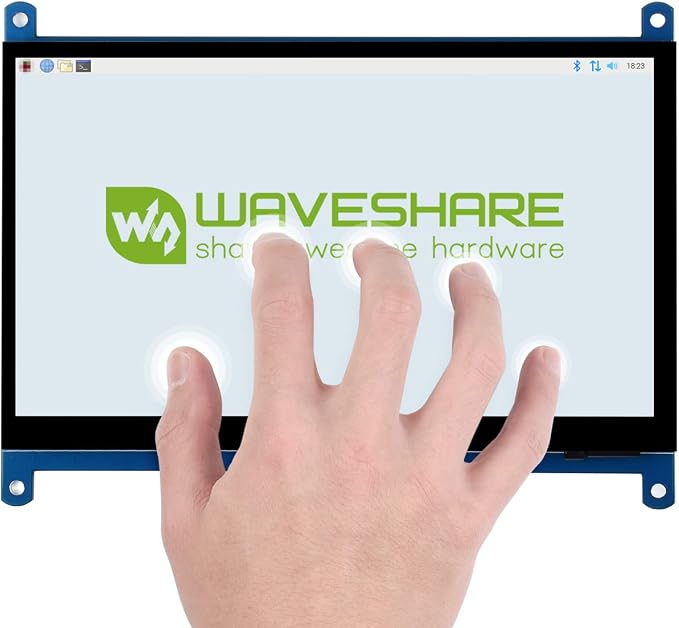
- 1024x600 high resolution,capacitive touch control,supports Raspberry Pi
- Supports Banana Pi / Banana Pro, comes with Lubuntu, Raspbian images
- Supports BB Black, comes with Angstrom image
- For other mini-PCs, driver is required and should be developed by users
- Not only for mini-PCs, it can work as a computer monitor just like any other general HDMI screen
Product description
Selection Guide
FAQ
Why the LCD doesn't work with my Raspbian?
To use the LCD with the Raspberry Pi official image, driver should be installed first. Please refer to the user manual. However, for the first testing, you may want to use our provided image directly.
Why the LCD still doesn't work with the Waveshare provided image?
Make sure the hardware connection is correct and connects fine. Make sure the image in TF card is burnt correctly. The PWR will keep on and the ACT will keep blinking when the Raspberry Pi starts up successfully, in case both of the two LEDs keep on, it is possible that the image was burnt incorrectly OR the TF card was in bad contact.
Which power supply should I use?
It is recommended to use a 5V/3A power adapter for the Raspberry Pi other than USB connection, otherwise the Pi may failed to start up because the PC's USB port might have not enough power. For large size LCDs, say, 10inch diagonal or more, another stand-alone power adapter is also required to provide power to the LCD.
For more info, please check the wiki page.