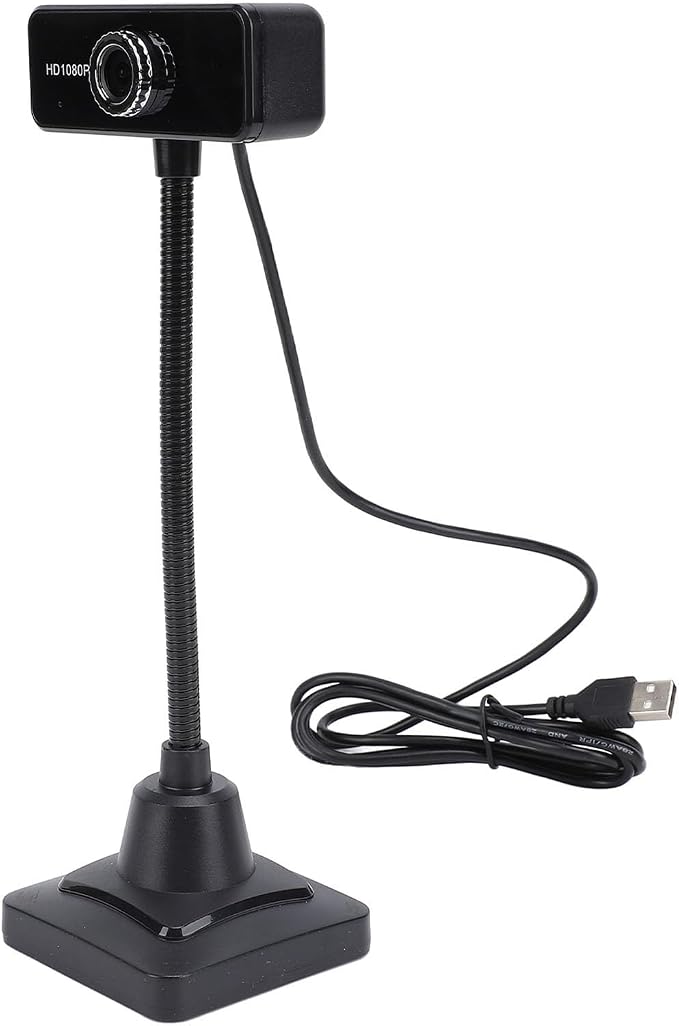
- [Plug and Play ] Simply plug this usb camera into your computer for instant use, eliminating the need for extra software or drivers, enhancing video speeds.
- [Crystal Clear Audio with Noise Canceling Microphone] Equipped with a 3-meter omnidirectional microphone, this webcam ensures clear sound absorption with no lag during video calls and chats.
- [Compatibility with Popular Computer Systems] This webcam seamlessly integrates with laptops and desktops running vista, win7, win8, and
- [Customizable Video Focus and Clarity] Adjust the focus length for stable and clear image tailored to your preference, providing a personalized viewing experience.
- [Flexible 360 Degree Adjustability] Showcase various poses and scenes effortlessly with the ability to adjust the webcam's position and angle for dynamic visual presentations.
Product description
USB HD 1080P Webcam, 360 Degree Rotation USB Webcam, 1080P Full HD with Noise Canceling Mic, Wide Angle Desktop Webcam for PC, Laptop
[Customizable Video Focus and Clarity] Adjust the focus length for stable and clear image transmission tailored to your preference, providing a personalized viewing experience.
[Flexible 360 Degree Adjustability] Showcase various poses and scenes effortlessly with the ability to adjust the webcam's position and angle for dynamic visual presentations.
[Compatibility with Popular Computer Systems] This webcam seamlessly integrates with laptops and desktops running vista, win7, win8, and win10.
Specification:
Item Type: USB Webcam
Material: Ti Alloy
Pixels: 1920 x 1080
Interface: USB
Frame Rate: Up to 30 frames/sec
Illumination Requirement: 10lx.sec or above
Image Static Storage Format: BMP/JPEG
How to Use:
1. Plug the USB cable into the interface and wait for the system to install automatically.
2. Double click 'USB Video Device' in 'My Computer' to use. Note: for Win8/7/for Vista will not generate icons, download Amcap if necessary.
Package List:
1 x Webcam