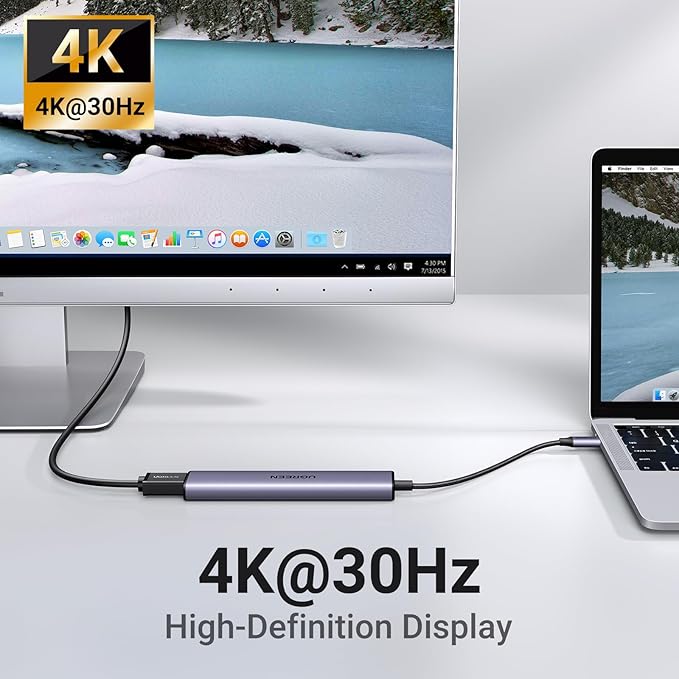
- Revodok 7 in 1 USB C Hub: Inspire more potential of your laptop’s USB-C port with 5Gbps USB-C & USB-A data ports, 4K HDMI, 100W Power Delivery, and SD/Micro SD card reader.
- Revodok 5 in1 USB C Hub: The USB C Multiport Adapter is equipped with a 4K HDMI port, a 100W USB C PD port, a 5 Gbps USB A data port, and two 480 Mbps USB A ports
- Compact & Portable Design: With its compact and stylish design, this Type C hub is designed to be as portable as possible. Perfect for on-the-go.
Product description
Explore More UGREEN Revodok Hubs
UGREEN Revodok 6 in 1 USB C Hub
UGREEN Revodok Pro 11 in 1 USB C Hub
UGREEN USB C HUB
UGREEN USB C HUB
Why is the HDMI port not working?
When I connect to 2 monitors with Mac, why do both monitors show the same image?
Two HDMI ports, a 100W USB-C PD port, a 5Gbps USB-C data port, and two USB-A data ports.
Two HDMI ports,a 10 Gbps USB-C 3.2 Gen 2 port, two 10 Gbps USB-A 3.2 Gen 2 ports,a USB A 3.0, 100W Power Delivery, RJ45 3.5MM and SD/Micro SD card reader.
Why is the HDMI port not working?
1. Pls ensure that your device supports video output via the usb c port
2. Pls do not plug and unplug the HDMI port when the hub is power on.
When I connect to 2 monitors with Mac, why do both monitors show the same image?
When Mac is connected to dual monitor devices, the docking station can only support extending one display. Another display can only copy the display you extended, which means it only supports AAA or ABB.