- All-in-one USB C Hub: UGREEN 7-in-1 USB C Hub is designed with a 4K@60Hz HDMI port, gigabit ethernet port, PD 100W charging port, SD/TF card reader, and 2x USB 3. 0 ports, which can meet most your expansion needs.
- 4K@60Hz HDMI Output: The HDMI port of the UGREEN USB C Hub supports up to 4K@60Hz video output, and it supports both mirror and extended modes. Whether it's for work, watching videos, or playing games, it can bring you the ultimate visual experience.
- 100W Max Fast Charge: Connect a single USB-C device for up to 100W of power (Maximum support 5A current). Charge the M2 MacBook Air to 55% in less than 30 minutes with this laptop charger adapters
- 4-in-1 Multiport Charger: Three USB-C ports and 1 USB-A port provide 100W to phones, tablets, laptops, and more! All at the same time.
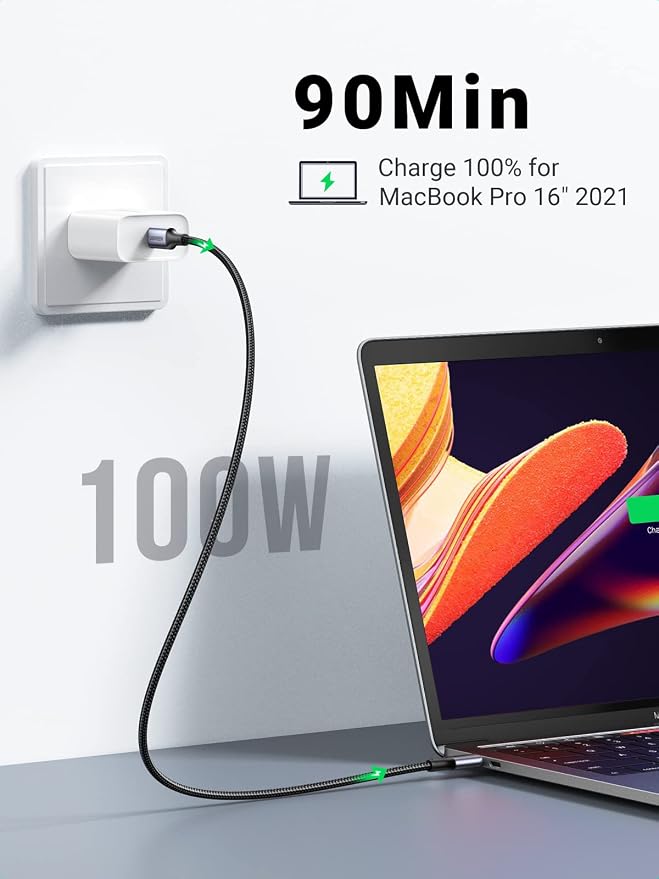
- Save Time with 100W Charging: 100W PD technology takes charging speed to the next level. Our Type C fast charging cable supports PD3.0 and QC3.0 fast charging with a max 100W (20V 5A) output. Quickly charge your MacBook Pro to 55% in just 35 minutes!
Product description
Explore More UGREEN Revodok Hubs
UGREEN Revodok 6 in 1 USB C Hub
UGREEN Revodok Pro 11 in 1 USB C Hub
UGREEN USB C HUB
UGREEN USB C HUB
Why is the HDMI port not working?
When I connect to 2 monitors with Mac, why do both monitors show the same image?
Two HDMI ports, a 100W USB-C PD port, a 5Gbps USB-C data port, and two USB-A data ports.
Two HDMI ports,a 10 Gbps USB-C 3.2 Gen 2 port, two 10 Gbps USB-A 3.2 Gen 2 ports,a USB A 3.0, 100W Power Delivery, RJ45 3.5MM and SD/Micro SD card reader.
Why is the HDMI port not working?
1. Pls ensure that your device supports video output via the usb c port
2. Pls do not plug and unplug the HDMI port when the hub is power on.
When I connect to 2 monitors with Mac, why do both monitors show the same image?
When Mac is connected to dual monitor devices, the docking station can only support extending one display. Another display can only copy the display you extended, which means it only supports AAA or ABB.