- AI Voice Typing & Translation: No keyboard needed, just speak, and your words are instantly transcribed. The BM4195 allows you to perform various operations through simple voice commands. Work smarter and faster with hands-free control and improved productivity(PS: The AI function can only be activated after downloading the software)
- Software Support - You can customize mouse commands and assign different functions to keys to achieve operational freedom. Press and hold the scroll wheel for 6 seconds to download the software
- Adjustable DPI & Stable Wireless Performance - Supports 5-level DPI adjustment for precise control in different applications. With a 250Hz polling rate and a long wireless transmission distance, you’ll enjoy smooth, lag-free performance across multiple operating systems
- Type-C Fast Charging & Long Battery Life - Equipped with a high-capacity 500mAh built-in battery and a Type-C charging port, for quick and convenient power-up. The low-power design ensures ultra-long standby time and reliable performance, keeping you powered throughout your workday
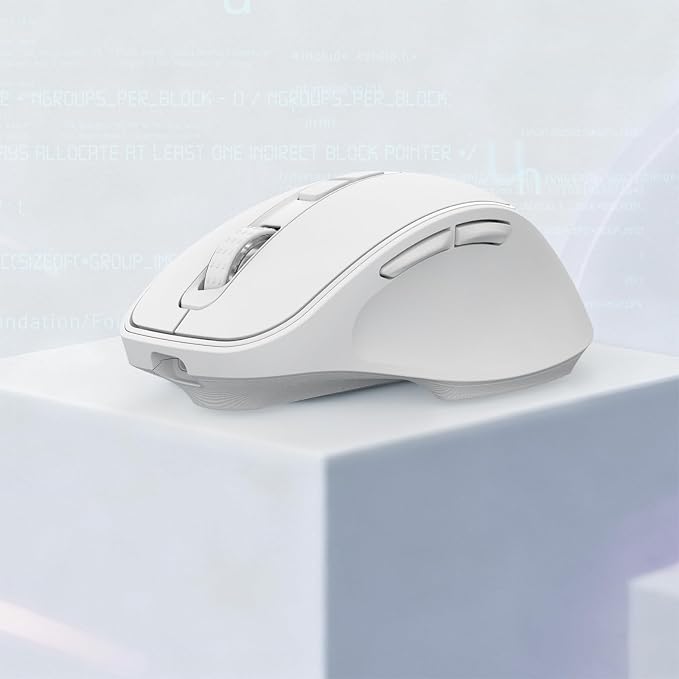
- Ergonomic Design for Comfort - Designed specifically for right-handed users, this mouse offers an ergonomic shape that fits naturally in your palm. Comfortable to hold for extended use?ideal for everyday office work
- Multi-Mode Connectivity - Simply press the mode-switch button on the bottom of the mouse to effortlessly toggle between 2.4G, BT1, and BT2?allowing instant switching across 3 devices. Whether switching from a desktop to a tablet, the experience remains seamless and uninterrupted
Product description
What should I do if Ican not use the AI function?
Can AI translation switch languages?
Notice: The AI function can only be activated after downloading the software.
What should I do if Ican not use the AI function?
The AI function can only be activated after downloading the software. You can press the scroll wheel to download the software first or from the redragon website.