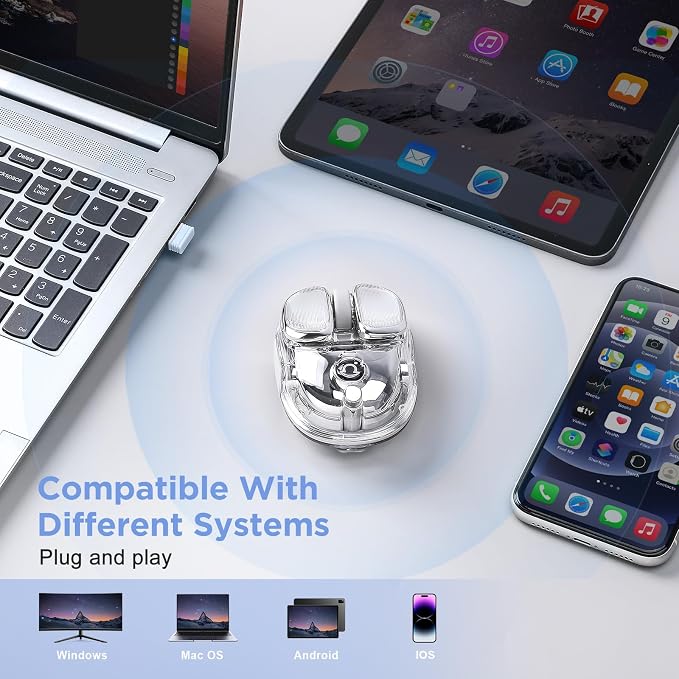
- Dual-Mode Connectivity (Dual-Channel Bluetooth + 2.4G): Switch seamlessly between 2.4GHz USB receiver & Bluetooth on this wireless mouse, compatible with Windows, macOS, Android, and iPad OS. No lag, stable connection for work & gaming?making it a ideal mouse for laptop users. No drivers needed?just plug in the USB receiver or pair via bluetooth mouse mode for instant use
- Ultra-Quiet Click (≤30dB) and RGB: Low-noise buttons reduce distractions?for office, library, or late-night gaming without disturbing others. This computer mouse delivers quiet confidence, while soft, dynamic backlighting enhances your setup aesthetics and remains eye-friendly in dim light
- 4 Adjustable DPI:(800/1600/2400/4800) for precise cursor control. Ideal for designers, gamers & office work?switch speed instantly with a button. Whether you're editing or browsing, this wireless mouse for laptop adapts to your flow
- Long-Lasting 500mAh Battery: Up to 3?4 weeks on a single charge (varies by usage). Auto-sleep mode saves power, so this clear mouse keeps you focused on work?no more frequent charging
- Sleek & Portable:Its lightweight, compact design fits easily in laptop bags and backpacks, making it perfect for travel, business, and home use. As a reliable computer mouse wireless option, it combines high value with practical functions?also a great cute mouse gift for girls or students
- Warm Tips: USB wireless connector is stored on the side of the product, the box contains a paddle, easy to remove the wireless connector
Product description
Q9 Wireless Mouse
What systems does the Q9 Wireless Mouse support?
What devices can use the Q9 Wireless Mouse?
How is the mouse connected?
How to use Bluetooth connection?
Where is the USB receiver stored?
What systems does the Q9 Wireless Mouse support?
Windows & Mac
What devices can use the Q9 Wireless Mouse?
As long as your device has a USB port or Bluetooth connection you can use it!
How is the mouse connected?
1.Connected by means of 2.4ghz USB receiver
2.Connect via Bluetooth(Warmly Tips: If you can't match the mouse, you can try to charge the mouse, insufficient power will affect the mouse's connection speed)
How to use Bluetooth connection?
There is a mode switching button at the bottom of the mouse, press the button to blink blue light for Bluetooth connection, Bluetooth name is (Q9 BT4.1 MOUSE ,Q9 BT5.1 MOUSE)
Where is the USB receiver stored?
The USB wireless connector is stored in a silicone-wrapped location on the side of the product, and the box contains a paddle that makes it easy to remove the wireless connector