CoreDrive
Plugable USB 2.0 Sharing Switch for One-Button USB Device Port Sharing Between Two Computers (A/B Dual Computer Switch)
Plugable USB 2.0 Sharing Switch for One-Button USB Device Port Sharing Between Two Computers (A/B Dual Computer Switch)
Couldn't load pickup availability
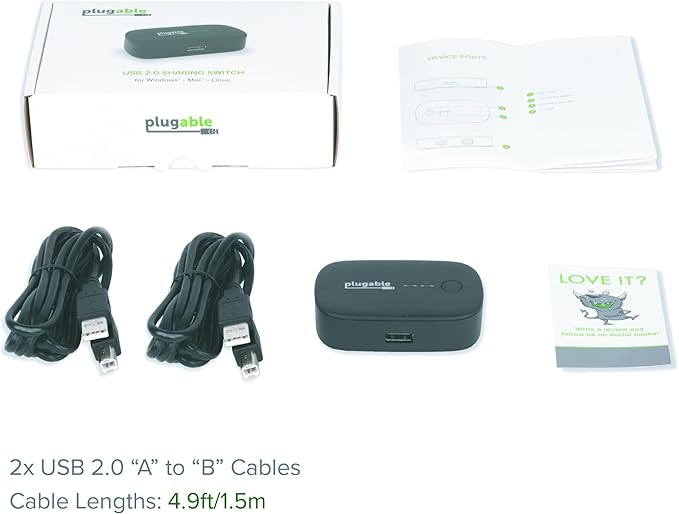
- Simple Device Sharing - Compact one-touch design allows you to easily switch usb devices between 2 computers - One Button Toggle - Great for sharing a printer, scanner, or other USB device between two computers (one computer at a time). Attach a powered USB hub that is connected to the keyboard, mouse, and USB 2.0 graphics adapter for an all-USB KVM solution with this USB AB switch - Plug and Play - Switch works with any USB-enabled computer without drivers - attached devices may require drivers as usual. LED indicator lights show which connected computer has control of the attached devices - Compatibility - Not compatible with docking stations or USB graphics adapters. Ideal for powered USB 2.0 hubs, printers, scanners, keyboards, mice, or other USB 2.0/1.1 devices - Enhance Your Workflow: Streamline your setup and improve efficiency by easily sharing USB devices between multiple computers
Product description
Share Your Device(s) With Simplicity
Features
System Compatibility
Important Notes
Additional Features
Incompatible Setups and Features
Frequently Asked Questions
The Plugable USB 2.0 Sharing Switch (USB2-SWITCH2) is the ideal solution for one-touch switching of access between two computers to a:
*Not compatible with USB-A or USB-C docking stations or USB graphics adapters
A single button press is all that's required to toggle between connected computers. Blue LED indicator lights show which connected computer has control.
Looking to provide two-computer access to a single keyboard and mouse? Just attach the switch to a powered USB hub, then connect all your desired peripherals for an all-USB solution. Ideal for a variety of USB applications including as a scanner or printer AB switch.
Switch works with any USB-enabled computer without drivers. Attached external devices will still require drivers as usual.
Share