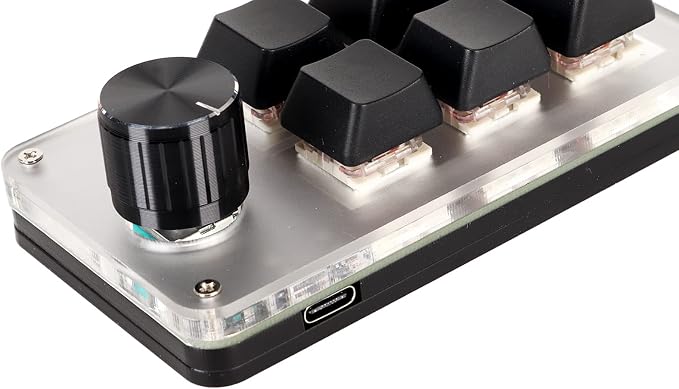
- Customized Knobs: The keyboard is designed with knobs, and the knobs can be pressed as a custom , so users can set the most suitable shortcut keys according to their own habits and needs.
- Red Switch: Mechanical keyboard adopts red switch mechanical keyboard, ergonomic design, which makes the keyboard key strength and stroke are very scientific, a light press can complete the .
- Improve Work Efficiency: By customizing the shortcut keys, users can complete multiple complex operations in a short period of time, which not only saves time, but also reduces the occurrence of errors.
- Plug and Play: One handed macro keyboard is plug and play, no driver required, acrylic material, and can be used for a long time.
- Support OS: Custom keyboard can be used for multiple operating systems, for for vista, for linux, for OS X.
Product description
6 Keys Programming Macro keypad
Good Assistant for Your Work
1. Multimedia control 2.Hotkeys 3.One-click start
Serounder 6-key mini keypad that allows you to configure the value of each key. you can edit the keys and enable it with different function such as shortcuts, key combo, mouse clicks, string input, multimedia and macro definition.