- Ultimate Comfort for Endless Productivity: Enhance work and gaming with the Nulea MD280 carpal tunnel mouse. Its ergonomic design, featuring a dedicated pinky rest, minimizes wrist fatigue and guards against repetitive stress injuries, ideal for carpal tunnel relief. Perfect for long work sessions, ensuring pain-free, efficient productivity.
- Precision Meets Personalization: Achieve effortless precision with 4 adjustable DPI levels (800, 1200, 1600, 2400). Fine-tune your mouse speed for gaming, graphic design, or casual browsing, elevating your performance to new heights.
- Powerful Rechargeable Design: Enjoy a remarkable battery life with Nulea MD280's rechargeable feature. Fully charge in just 3.5 hours, and with daily use of 2 hours, a single charge lasts up to 260 days. Stay focused without the hassle of frequent recharging.·
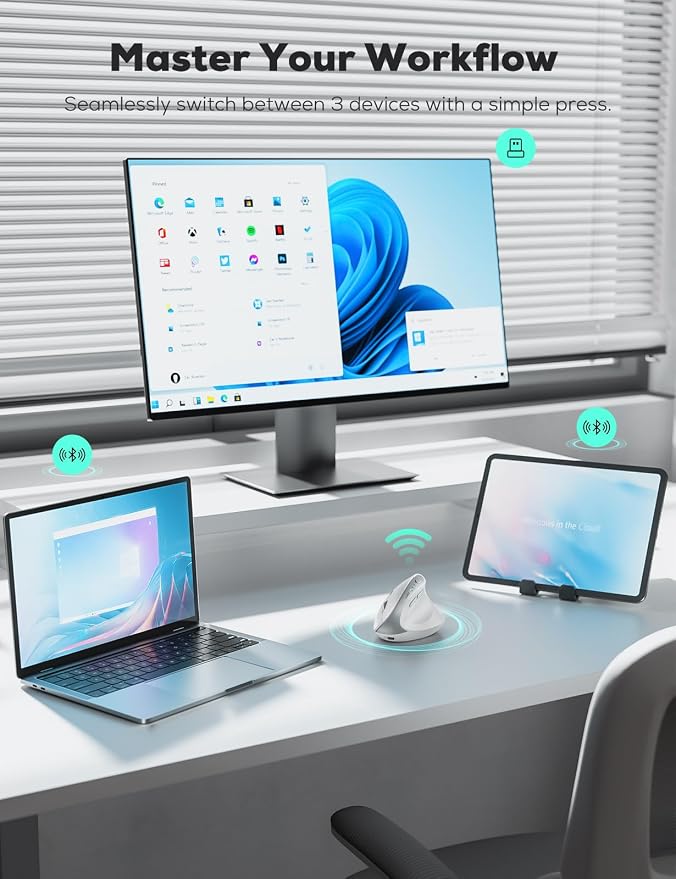
- Connect with Ease, Anywhere You Go: Versatile dual-mode Bluetooth and 2.4G wireless connectivity. Seamlessly switch between laptop, desktop, or any compatible device, staying productive wherever you are.
- Silent Click, Thoughtful Design: Whisper-quiet click buttons for ultimate discretion in quiet environments like offices and libraries. Durable premium build, rechargeable feature saves money and the planet. Upgrade to silent excellence today.
Product description
How to charge the mouse?
How to know if it is charging or fully charged?
What size hand is this mouse suitable for?
Are the buttons of this mouse programmable?
How to charge the mouse?
1. Please use our included charging cable to charge the mouse.
2. Use the output 5V charger or directly use the USB port of the computer to charge the mouse. (Do not use the fast charger to charge the mouse)
How to know if it is charging or fully charged?
1.After plugging in the power, the third Bluetooth connection indicator light is used as the charging indicator light.
2.When charging, the indicator light turns blue and goes out after charging is complete.
What size hand is this mouse suitable for?
Nulea MD280 wireless vertical mouse is perfect for Medium-Large Hands.
Are the buttons of this mouse programmable?
All the buttons are non-programmable.
Forward Backward Desktop buttons are not compatible with MAC OS.