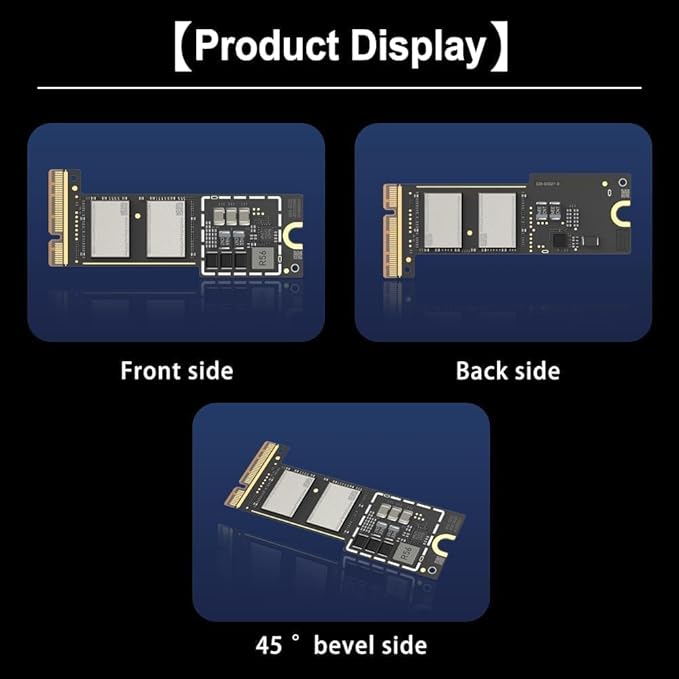
- Precisely adapted to Mac Mini M4: Designed specifically for Mac Mini M4, it can be easily and quickly installed by yourself, facilitating the upgrade of your Mac Mini M4.
- Large-capacity Storage Expansion: Upgrade your Mac Mini M4 to easily accommodate massive amounts of high-definition photos, videos, work documents, and daily applications, fully addressing the storage shortage issues in office and entertainment usage.
- 3300MB/s High-speed Performance: Provides up to 3300 MB/s ultra-high-speed reading and writing speed, significantly enhancing the overall response speed of the device. Significantly shortens system startup time, application startup delay, and large file transfer time, ensuring smooth and seamless multi-task processing, video editing, and file handling operations.
- Stable & Reliable: Each solid-state drive undergoes strict 30-day continuous high-load testing to ensure excellent stability. Even under long-term high-intensity usage, it can maintain full-speed performance stability, providing a reliable and long-lasting daily usage experience for work and creative tasks.
- High Value: Built with high-quality core chips and strict manufacturing standards. It offers an economical and high-performance internal storage upgrade option for Mac Mini M4, allowing you to fully utilize the device's performance without replacing the entire machine.
Product description
Mac mini M4 SSD
Is this SSD compatible with Mac mini M4 Pro?
Unable to enter DFU mode?
Apple Configurator 2 does not recognize the device?
Is this SSD compatible with Mac mini M4 Pro?
This SSD is only compatible with Mac mini M4.
Unable to enter DFU mode?
- Please ensure your USB-C cable supports data transfer.
- Try a different USB-C port on your Mac mini M4.
- Strictly follow these steps: Power off Power on Immediately press and hold the power button for 10 seconds.
Apple Configurator 2 does not recognize the device?
- Restart another Mac.
- Try a different USB-C cable.
- Try the DFU entry steps again.