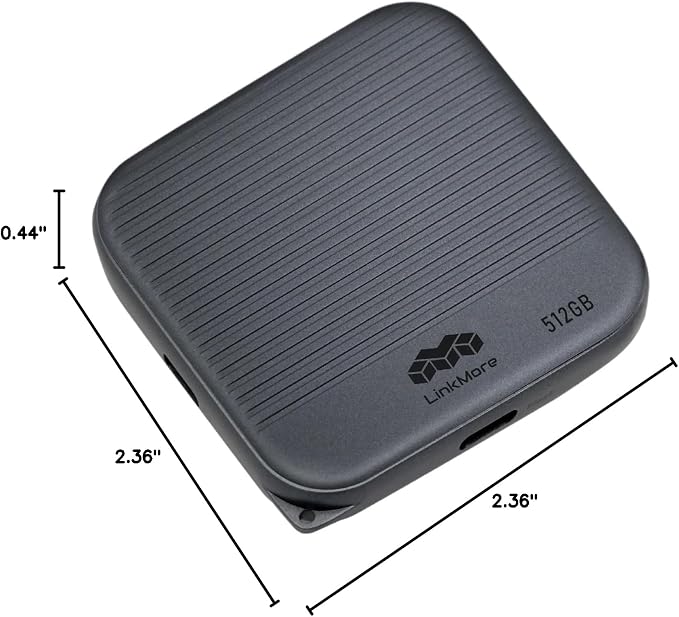
- 1TB SSD-Class Speed ? USB 3.2 Gen2 Type-A, up to 1000MB/s read and 800MB/s write
- Everyday Portable Drive ? Great for backups, school files, music, or car use
- Compact & Convenient ? Slim thumb drive fits pockets, keychains, and travel bags
- Plug and Play ? No drivers needed on PC, Mac, console, or car audio
- Made in Taiwan ? Reliable build for daily storage needs
Product description
Unleash the Speed
Secure Backup with Massive Capacity
SSD-Grade Chip for Superior Performance
Compact and Portable
Why is the speed slower than expected?
Why can't I transfer files to the USB drive?
Why doesn't the USB drive show up when I plug it in?
With USB 3.2 Gen 2x1 and blazing 1000MB/s read speeds, NR770 is built for creators and gamers. Transfer large projects and load games in a flash. Whether you're crafting or competing, NR770 delivers the speed and power you need, every time.
With storage options from 250GB to 1TB, NR770 backs up your games quickly and securely across all compatible devices. Experience seamless gaming and effortless compatibility every time you play.
NR770 uses SSD-grade chips that meet Solid State Drive performance standards, providing fast, reliable storage for a smooth and dependable experience.
With its lightweight 8g design, NR770 is perfect for comfortable use while working and traveling anywhere.
Why is the speed slower than expected?
Ensure your device and port support the same USB version as the USB drive. Speed may vary due to device performance or file type.
Why can't I transfer files to the USB drive?
For files over 4GB, reformat the USB drive to exFAT, which supports larger file sizes.
Why doesn't the USB drive show up when I plug it in?
Check if the USB drive format is compatible with your device. You may need to connect the USB drive to a computer and reformat it to a compatible file system.