- Stereo and Noiseless - Without any noise! After multiple debugging, suppress static. Become clearer and louder. Add a rotary button to turn on the computer speaker and adjust the volume easily.
- USB C to USB Adapter - No need for any driver! Plug and play. Computer speakers provide USB C to USB adapter, comfort for laptops, tablets.
- Headphone Output Jack - PC speakers add a 3.5mm noiseless headphone jack to increase privacy and avoid bothering others, enjoy games, music, movies, videos, YouTube surfing, classes, and meetings.
- Touch Lights & Ultra Long Cable - Computer speakers increase the touch button to turn on/off cyclic lights. The cable between desktop speakers is 38 inches long to be placed on both sides of the monitor.
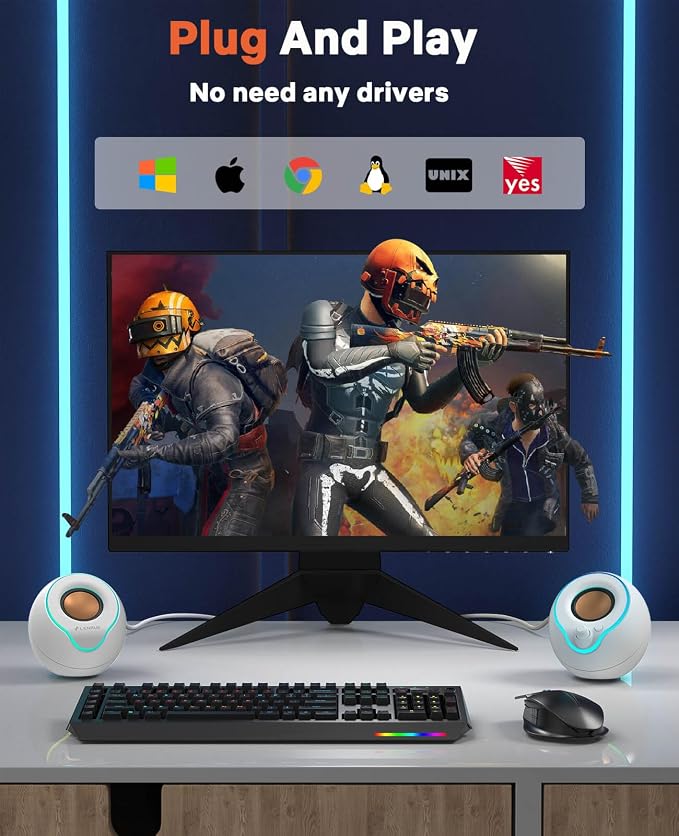
- Multi-Compatibility - Computer speakers with USB C to USB adapter match computer, desktop, PC, laptop. Suitable for windows (Vista / 7 / 8 / 10), Chrome OS, Linux, UNIX, etc.
- Ideas Gift Choice - Unique trendy stuff for every one! Such as teen boy, teenage girls, men, women, boyfriend, etc. Surprise for Birthday unique, Easter, White Elephant, Christmas, etc.
Product description
Easy to Setup without Sound
Model: LENRUE E-1059 | Computer Speakers
360° Stereo Sound: Super cost-effective stereo sound quality, 5×2W drivers and noise-free technology, get louder and clearer!
Colorful Lights Show: Cool breathing light, colorful lights change constantly to increase the sense of atmosphere.
Independent Light Button: one key to switch lights on and off.
Knob Control: Computer Speakers increase the volume knob to adjust the volume at any time.
Plug and Play without Drives: Plug in and power on! You don't need to install any additional plug-ins.
Multi Compatible: Desktop, Computer, PC, Laptop, etc.
1 - Host backend: Connect BOTH the AUX plug and USB plug to the Host backend, more stable power supply and audio output.
2 - Click Speaker Icon in the taskbar.
3 - Select the " Speaker " as your computer playback device.
4 - Make sure the computer speaker is on and not at minimum volume.
5 - Make sure the computer or other device is not muted or at minimum volume.
Product Specifications
Power Source : USB
Audio Source : 3.5mm
Colored Lights: Touch to turn on/off
Vol Control: Knob Control
Output-Power : 10W
Enhanced Bass : 2 × Passive Radiator
Frequency Range : 120 Hz-20 KHz
Input-Power : 5V,1A