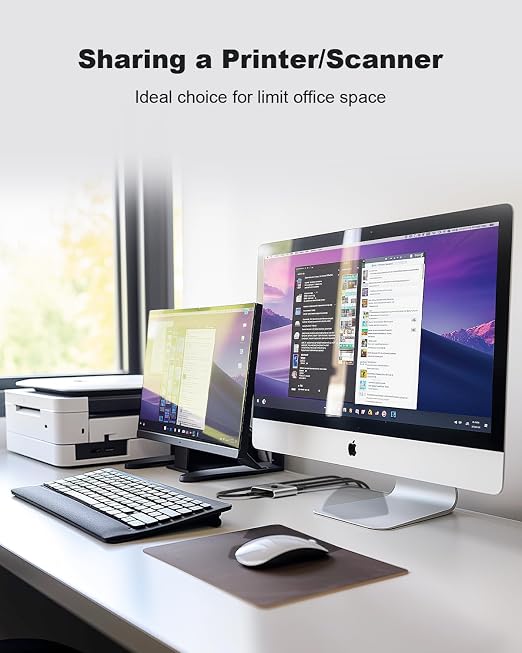
- 【HDMI KVM Switch Dual Monitor】 Dual monitor KVM switch allows you to control 2 computers with one set of keyboard & mouse, share USB devices to one monitor or two monitors (Extend display mode or copy display mode). NOTE: the extended mode can output two different screens, and the copy mode can output two identical screens.
- 【Ultra HD 4K Visual Enjoyment】2 port HDMI KVM switch dual monitor support input of different resolutions, such as 4K@30Hz, 1440P@60HZ, 3D and 1080P@60HZ or lower resolution. Note: if you need a 4K resolution, please use version 2.0 HDMI cable and make sure your computers and monitors support 4K!
- 【Convient Switching Modes 】Industry-leading technology with multiple switching modes. ①Panel button switch; ②Mouse switch (Drive-free); ③Keyboard hotkey switch(Drive-free); ④Automatic scan switch (Drive-free, adjustable interval (8-999 second)); No software is required, simply plug and play.
- 【Great Compatibility, Match Various Devices】This 2 monitors 2 computers USB KVM HDMI switch box works with great compatibility, driver-free for Windows 10/8/8.1/7/XP/Vista and Mac OS, Linux, and Chrome OS. Also support HDMI devices like hard disk player, game console, DVR, NVR, etc.
- 【Note】This dual monitor KVM switch requires each computer to have 2 HDMI output ports and supports extended display, and supports DVI/VGA/DP/USB C to HDMI converter. If your computer only with one HDMI Port, then this product cannot help you get a dual display function.
Product description
Dual Monitor KVM Switch HDMI
Product Features:
How to use the dual monitor kvm switch ?
Excellent KVM Switch to Make Your Life and Work More Convenient!
Warm Tips:
Q&A
-- Why do my speakers with noisy sounds?
The speaker needs to connect the external power adapter, so make sure it can run fluently.
-- Can I save the external power source?
No. The HDMI KVM needs power and the package includes a power adapter.
-- Why HDMI OUTPUT B could not use the USB devices?
Keyboard/mouse/USB devices can use on HDMI A ports ONLY. HDMI B ports as a dual monitor extended/mirrored function for conference/teaching class.
-- Why my keyboard/mouse didn't work?
Keyboard and mouse need to plug to the place which near the DC power input port. If you use another USB port, you could not use the keyboard and mouse to switch computers by hotkey.
Support 3D 4K@30Hz,backward compatible with lower resolutions.
Support Headphone output and Microphone input .
Compatibility with Windows 10/8/8.1/7/Vista/XP and Mac OS, Linux, and Chrome OS