CoreDrive
Bluetooth Mouse Ergonomic Wireless Mouse for Medium to Large Sized Right Hands Without USB Receiver 6 Buttons 1600 DPI Cordless Computer Mice for Laptop Chromebook Tablet Windows - Black
Bluetooth Mouse Ergonomic Wireless Mouse for Medium to Large Sized Right Hands Without USB Receiver 6 Buttons 1600 DPI Cordless Computer Mice for Laptop Chromebook Tablet Windows - Black
Couldn't load pickup availability
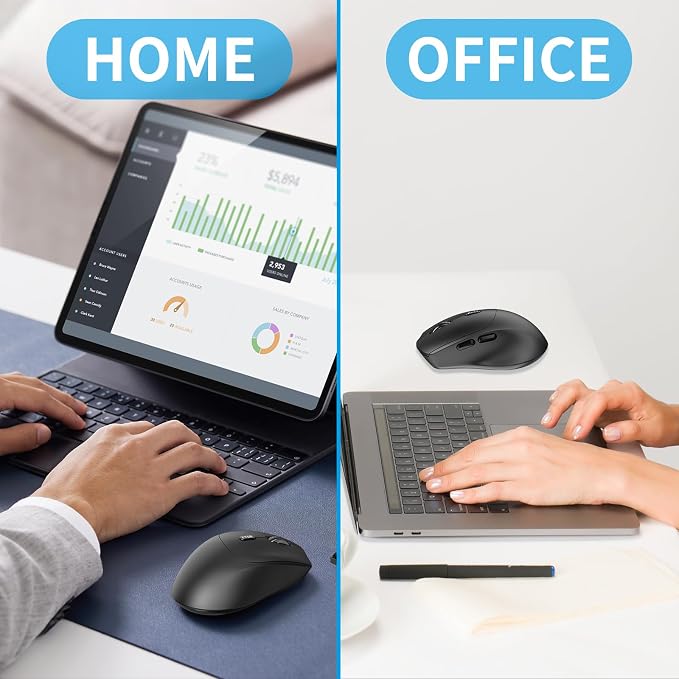
- Bluetooth Mouse Without a Receiver: Connects directly to Bluetooth-enabled devices like laptops, computers, or PCs without the need for a usb receiver. (Please Note: Only supports devices with Bluetooth functionality) - Reliable Bluetooth 4.2 Connectivity: This mouse uses Bluetooth 4.2 technology and can provide a stable wireless connection of up to 10 meters. And the wireless mouse offers exceptional sensitivity and responsiveness, providing real-time tracking without delay - Ergonomic Mouse for Right-Hand: The contoured shape provide a comfortable, secure fit that reduces wrist fatigue during long hours. Its balanced design ensures portable comfort for use at home, in the office, or on the travel. (Size: 4.41*2.72*1.57in/112*69*40mm) - Bluetooth Pairing: 1. Put into the battery and make sure your MS272 mouse is turned on 2. Press and hold the BT4.2 Bluetooth pairing button for 3 seconds (the LED will start to blink fast) 3. Open bluetooth settings or bluetooth device manager on your device and pair with 'MS272 Mouse' (Note: If the mouse is idle for an extended period, it will automatically enter sleep mode. Please click any button to wake it up.) - Long Battery Life: The Bluetooth mouse can deliver up to 12 months of battery life. It requires only 1 AA battery(not included). - Wide Compatibility: The bluetooth mouse is compatible with Windows (Win 11, Win 10, Win 8), Linux, Chrome OS, Android OS. Suitable for desktop, laptop, PC, MacBook, Chromebook and other devices. (Please Note: Side buttons are not compatible with macOS)
Product description
What's in box?
How to Pair a Bluetooth Devic?
Which devices are applicable?
What's in box?
?Wireless Mouse
?User Manual
How to Pair a Bluetooth Devic?
1. Turn on;
2. Press and hold the BT4.2 Bluetooth pairing button for 3 seconds (the LED will start to blink fast);
3. Open bluetooth settings or bluetooth device manager on your device and pair with "MS272 Mouse".
Which devices are applicable?
Suitable for devices with Bluetooth function such as laptops, desktops, tablets, MacBook, iPad, etc
Share