CoreDrive
AISHICHEN 8.8 Inch LCD Display Mini Monitor 1920x480 60Hz IPS Stretched Bar Monitor PC Sensor Panel AIDA64 Computer Temperature Secondary Screen with Mini HDMI & Adjustable Brightness
AISHICHEN 8.8 Inch LCD Display Mini Monitor 1920x480 60Hz IPS Stretched Bar Monitor PC Sensor Panel AIDA64 Computer Temperature Secondary Screen with Mini HDMI & Adjustable Brightness
Couldn't load pickup availability
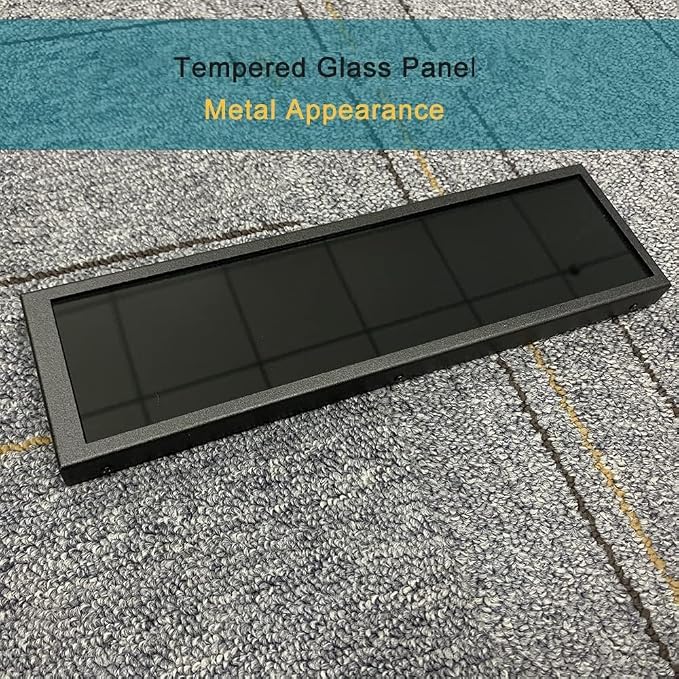
- 1. 8.8 INCH STRETCHED LCD SCREEN ? 1920×480 IPS full-view display, Refresh frequency: 60Hz; size: 233 × 66 mm, perfect as a secondary monitor for PC case, real-time CPU/GPU/RAM/temp monitoring. Package includes: 1 * 8.8-inch display, 1 * hdmi cable, 1 * power cable, 1 * user manual. - 2. PLUG & PLAY TEMPERATURE MONITOR ? Works with AIDA64, displays hardware data, clock, network, volume, and customizable themes without complicated setup. (AIDA64 does not require additional purchase. We specially prepare free exclusive AIDA64 installation resources for every customer, which can be obtained through official after-sales service after ordering). - 3. FLEXIBLE INSTALLATION ? Can be mounted inside/outside the case, supports 50mm/75mm VESA and adhesive pads, fits most gaming PC chassis effortlessly. - 4. HIGH BRIGHTNESS ? 300?600 cd/m² adjustable brightness, landscape/portrait rotation, (Brightness adjustment method: Simply poke the small hole on the back of the monitor with the included SIM card ejector). - 5. WIDE COMPATIBILITY ? Works with Windows, macOS, Raspberry Pi, mini HDMI + USB power, stable for long-term use as a case dashboard screen.
Product description
AIDA64 showing effect
Question: How Windows Display Rotation?
Question: The system has HDMI signal input, but the screen is always black. How to solve it?
Question: What is the power consumption of 8.8inch Side Monitor?
Question: What is the VESA Size?
Question: How Windows Display Rotation?
Answer: 1) Right click the desktop to enter "Display Settings":
2) Click Detect, select the corresponding display screen, set it to the expansion mode, and then select the corresponding display direction to complete the display rotation.
Question: The system has HDMI signal input, but the screen is always black. How to solve it?
Answer: Some master controllers need to connect HDMI cable before powering on.If you see that the HDMI signal exists in the system display setting, and it is the correct 480x1920 resolution.
Question: What is the power consumption of 8.8inch Side Monitor?
Answer: Darkest brightness: 5V 260mA Maximum brightness: 5V 500mA.
Question: What is the VESA Size?
Answer: monitor back have 75x50 VESA , so the 75x75 and the 50x50 all you can use.
Share