CoreDrive
24 Inch Touch Screen Monitor 2K(2560x1440P) IPS Computer Display 144Hz Gaming Monitor HDMI USBC DP Ports Frameless VESA White
24 Inch Touch Screen Monitor 2K(2560x1440P) IPS Computer Display 144Hz Gaming Monitor HDMI USBC DP Ports Frameless VESA White
Couldn't load pickup availability
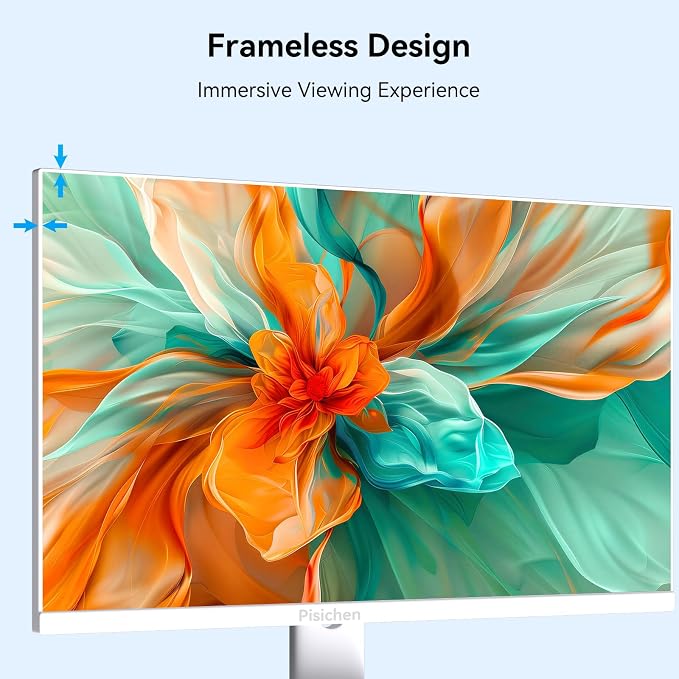
- 24" 2K QHD (2560x1440) IPS Touchscreen Monitor ? Responsive 10-point touch support. Tap, swipe, zoom like a tablet ? no extra stylus needed. - 144Hz High Refresh Rate ? Ultra-smooth motion for gaming. Touch response stays snappy and lag-free. - USB-C Connection ? Compatible with devices supporting DisplayPort Alt Mode. Works with Windows laptops, phones and other mobile devices with DP Alt Mode. - HDMI & DP Ports Included ? For devices without USB-C video output. Full flexibility for PCs, consoles, and older laptops. - Plug-and-Play Touch ? Windows 11/10 native support. One USB-C cable handles video, data and touch. (depending on source). - Frameless, White & VESA Mount ? Clean modern design. Wall or arm mountable.
Product description
2ms Response
144Hz Refresh Rate
Monitor specifications
Is touch functionality compatible with iOS, iPad and Mac OS?
How to connect the monitor?/Can I connect the monitor to my phone?
Why can't the monitor reach 144Hz refresh rate/2560x1440P resolution?
Why is there a touch delay during use?
Can I use a stylus to write on the monitor?
Is touch functionality compatible with iOS, iPad and Mac OS?
Unfortunately, due to system limitations, the touch functionality of this monitor is not compatible with iOS, iPad and Mac OS devices.
How to connect the monitor?/Can I connect the monitor to my phone?
1.If your phone/laptop/mini pc comes with a full-featured USB C port, please connect the INCLUDED power adapter and USB C- USB C cable. 2. If your device with HDMI and USB 2.0 ports, please connect the INCLUDED power adapter, HDMI and USB 2.0 cables.
Why can't the monitor reach 144Hz refresh rate/2560x1440P resolution?
1.Check the device can output 144Hz/2560x1440P. 2.If the host has a discrete graphics card, make sure the monitor is connected to ports of the discrete graphics card. 3.Some gaming devices/hosts need to adjust manually. 4.Connect via DP or USB-C port
Why is there a touch delay during use?
This situation is related to your computer host configuration, when your host configuration is higher, the touch will be more sensitive, and the touch response speed of the monitor is faster.
Can I use a stylus to write on the monitor?
Yes, but use a passive capacitive stylus. Hold it low like a pen with your fingers close to the screen ? the closer your grip is to the tip, the better it works.
Share